 LassoMind
Pay onceNo subscription. The Full version is a single purchase.
Private by designNo account, no tracking. AI summaries run on your iPad.
Made for Apple PencilTick, scribble, lasso, draw and hold for clean shapes.
Handwriting to plan
Your to-dos become reminders
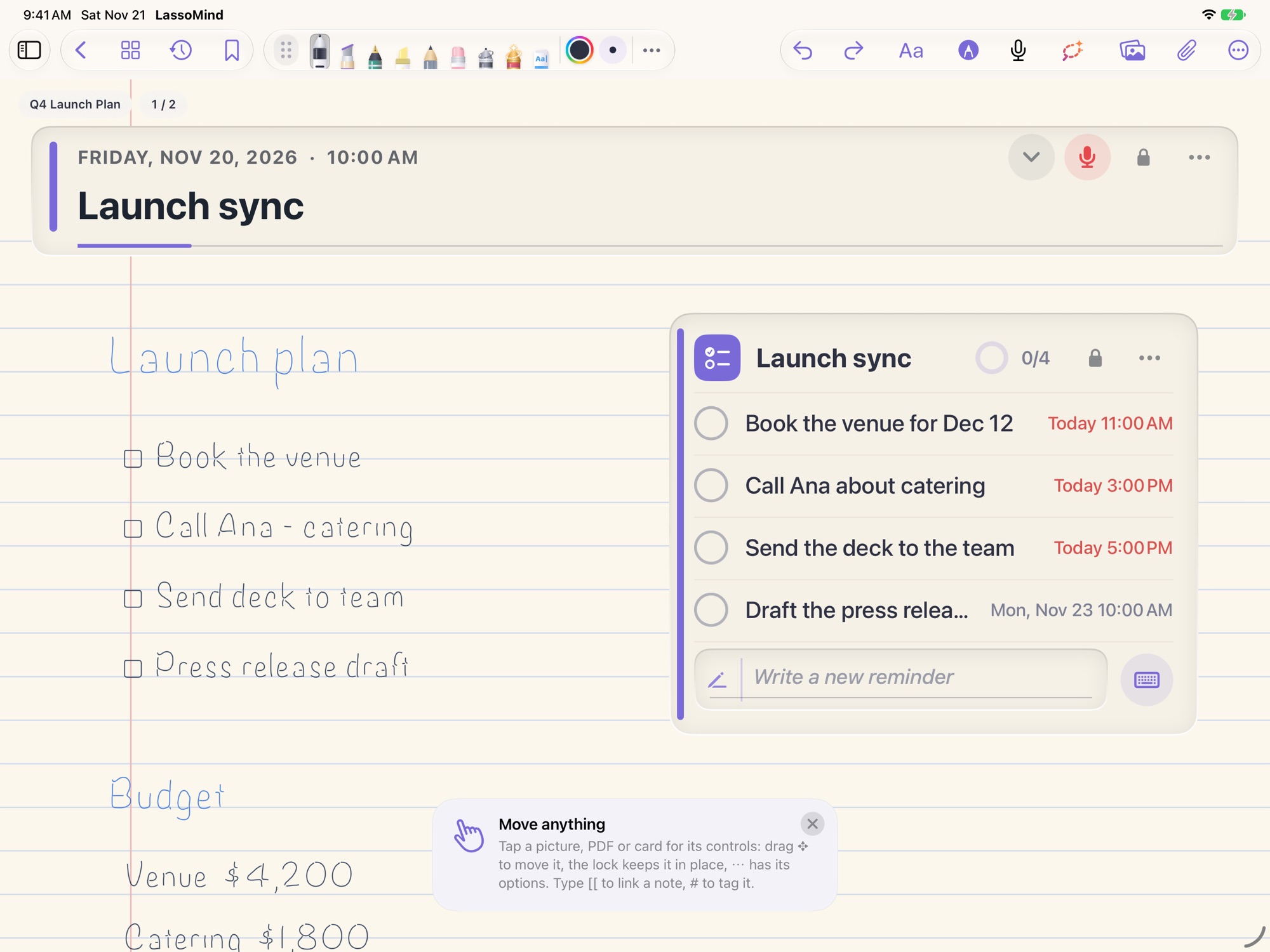
Draw a small box, write the task, pause. LassoMind offers to make it a to-do, a reminder or a calendar event.
- Write “call Ana 3pm” and get a reminder at 3 pm
- Convert a whole handwritten list at once
- Tick a box with your Pencil to complete it
Meetings
Record a meeting, get the minutes
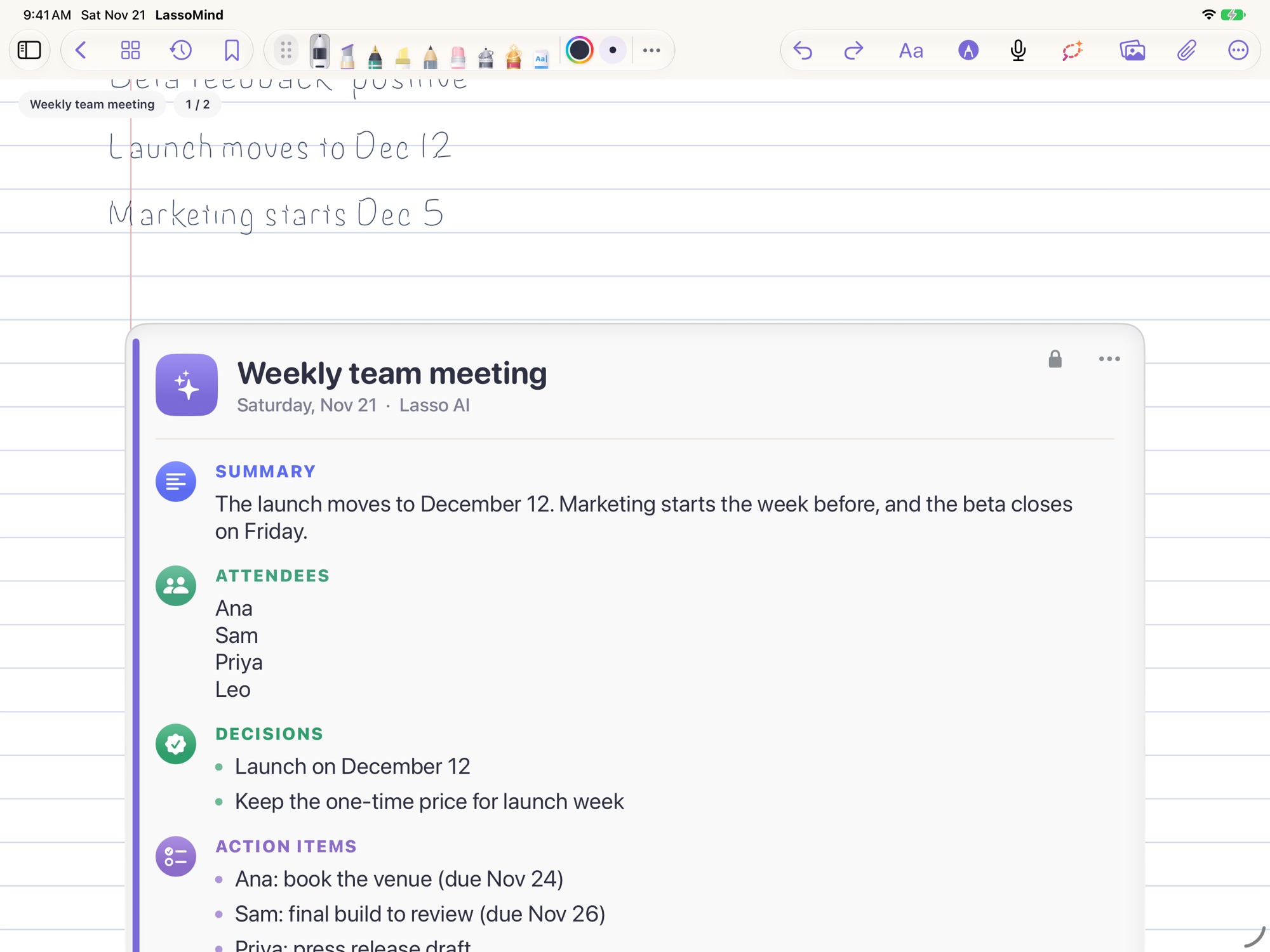
Record into any section of a note. When you stop, LassoMind transcribes it on your iPad and writes the summary.
- Decisions, action items and open questions
- Action items go straight to Reminders
- An email-ready recap for the attendees
Planner
Everything you wrote, in one plan
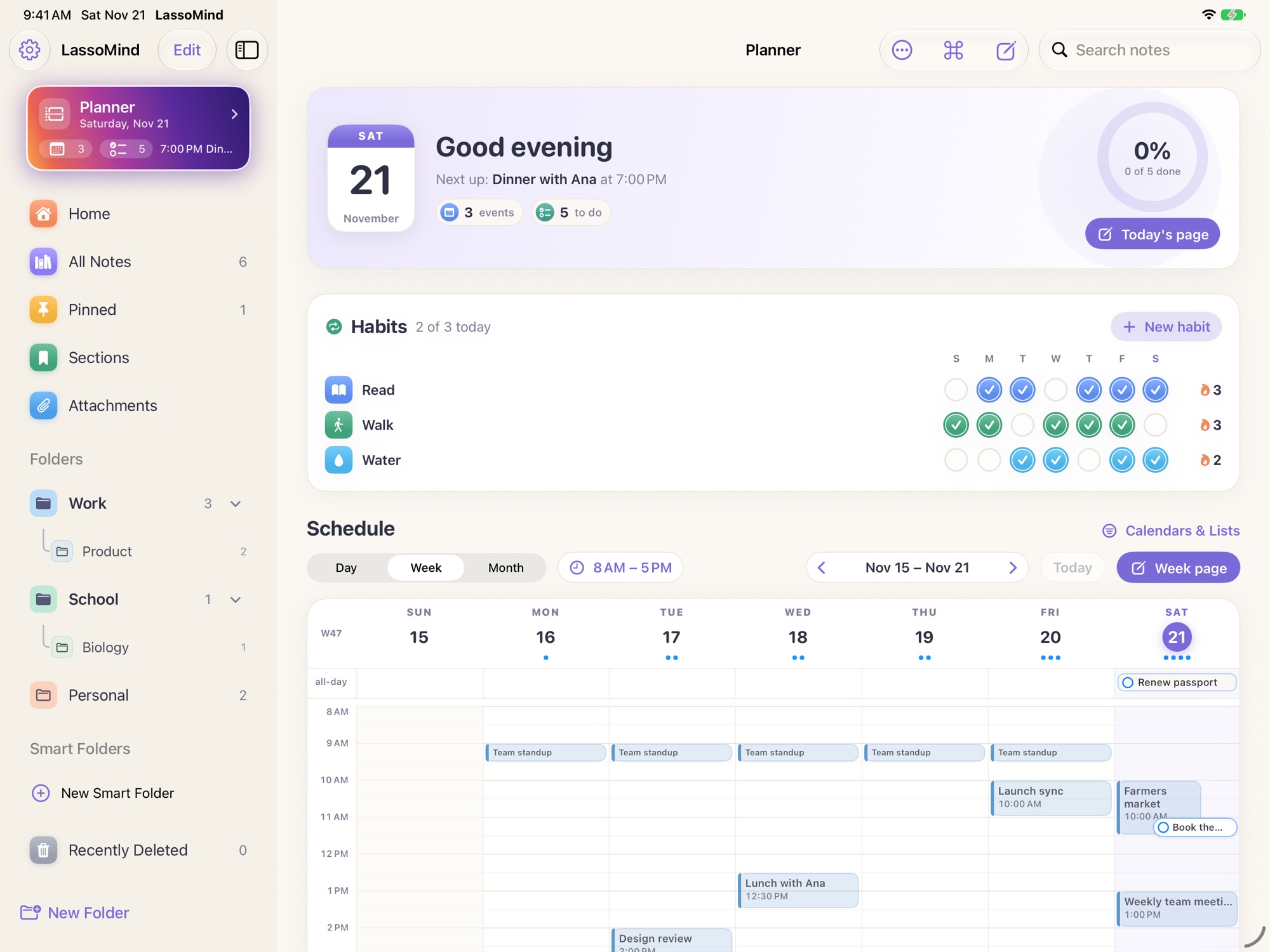
Your calendar, your reminders and the to-dos inside your notes, side by side. Drag to reschedule, or write on a day page and it becomes an event.
- Day, week and month views
- Planner pages you write on, like paper
- Habits with streaks
Lasso AI
Circle it. Understand it.
Lasso any handwriting, page or PDF and ask for a summary, a study set with flashcards and a practice quiz, or just chat with your notes.
- Summaries, key points and action items
- Flashcards and quizzes from class notes
- Works with scans, Word, Excel and PowerPoint files too
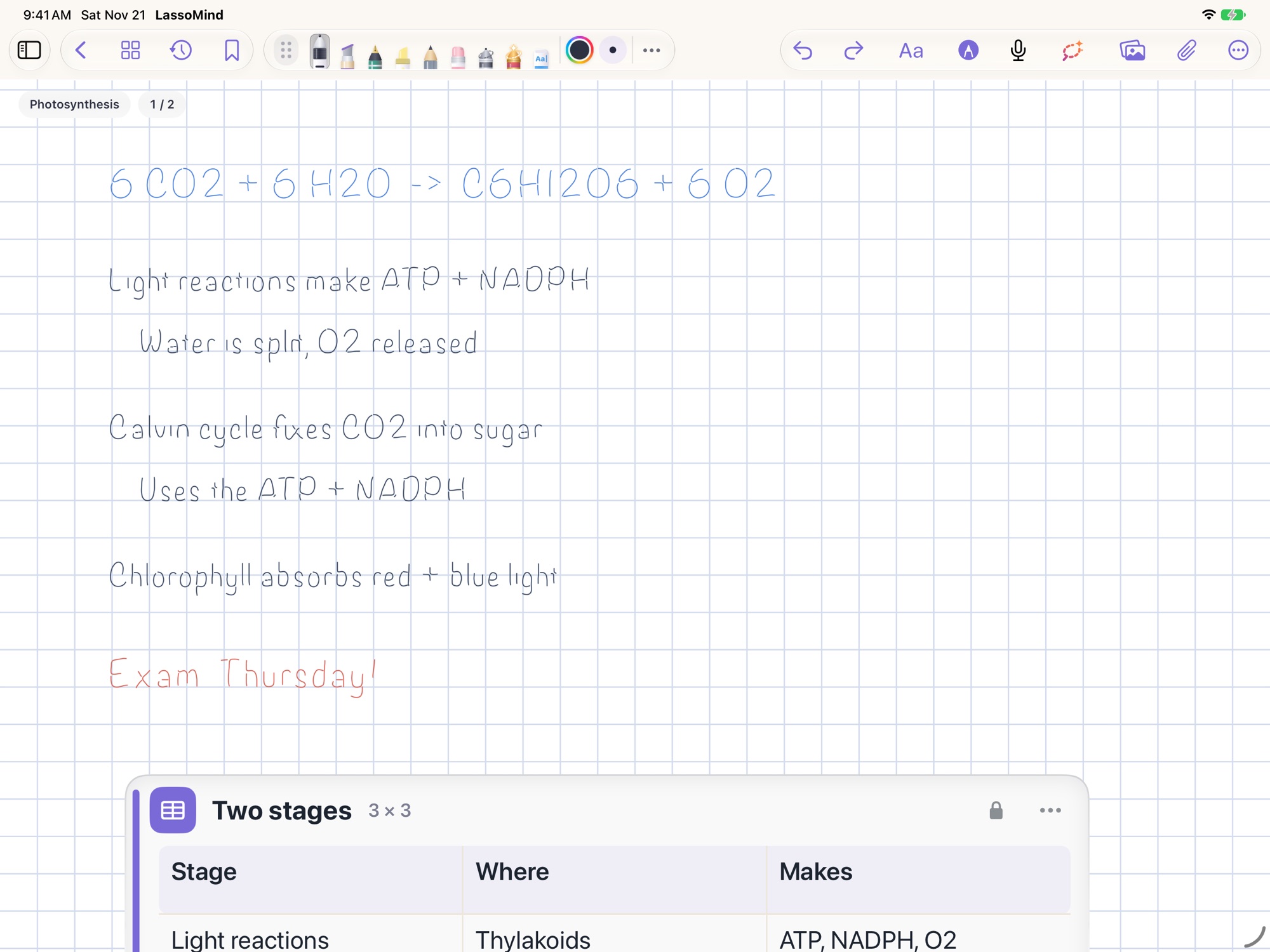
And the notebook you expect
PDF markupHighlight, comment, fill forms and snap parts of a document into your notes, with a link back to the page.
Pens that feel rightFountain, calligraphy, pencil, crayon, watercolor and highlighter, with your own favorites.
Folders, tags and searchSubfolders, Smart Folders, and search that reads your handwriting.
Sections and templatesDivide a page into titled sections. Start from meeting, project or journal templates, or save your own.
Two notes side by sideKeep a document open next to the note you are writing.
Yours to keepExport to PDF, Word or Markdown. Automatic backups and optional iCloud sync.
Simple pricing
Free
Try everything, no time limit
- 3 notebooks with unlimited pages
- Planner for this week and this month
- 3 recordings and 10 AI results
LassoMind Full
One-time purchase · no subscription
- Unlimited notebooks
- Unlimited recordings and AI results
- Every planner page, past and future
Start with a blank page
LassoMind comes with a short illustrated guide and sample notes, so you can see every feature before you write a word.
Get it on the App Store